 popvend
Build no. 002 / Card Machine
A card machine.
With your fingerprints on it.
3D-printed parts. An ESP32 brain. Your cards inside. Build it, tinker with it, make it yours.
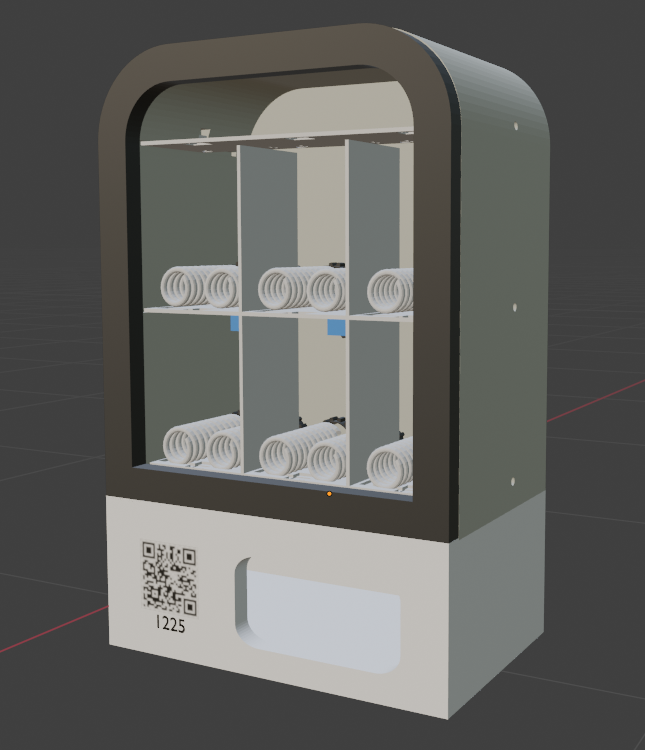
Gallery
Take a closer look.

01 / Print it
Print it
Print the parts for your machine.
Download print files
Resources coming soon.
02 / Build it
Build it
Follow the build video, then bring your assembled machine back here for firmware and setup.
Watch the build video
Resources coming soon.
The tinkerer’s troubleshooting corner
Hit a snag?
My board isn’t in the device list.
Try a data-enabled cable and a direct USB port. Close other serial apps. On the XIAO ESP32C3, hold BOOT, tap RESET, then release BOOT to enter download mode. Select the board again.
Firmware installed. Now what?
Tap RESET, then reconnect to open the serial monitor. Answer each prompt and wait for confirmation that your settings are saved. If the board reconnects on a different port, select it again.
Can I update it later?
Yes. Connect your board and choose a firmware release. Published releases preserve the settings partition, so your connection details stay saved. To change them, use the machine’s five-second factory reset during normal operation, then enter all three settings again.
Wi-Fi is connected, but payments aren’t working.
Check the board’s messages for connection updates. Then check that your device is enabled and payment setup is complete in Trigr.